You are going to be on the show! I am very excited to have you on the podcast. Here is a quick resource to help you to have the best audio possible when recording a podcast with me.
Getting in the Recording Chat
I will send you a recording link just before our meeting time. Click on the link. Please make sure you give the tool access to your microphone when asked. One you are in ecastr you should be able to hear me in the VOIP.
Recording Tips and Tricks
Since this is a podcast having great sound is very important. Here are some tips or tricks to ensuring we have a great experience not only fo you but for our listeners.
Headphones:
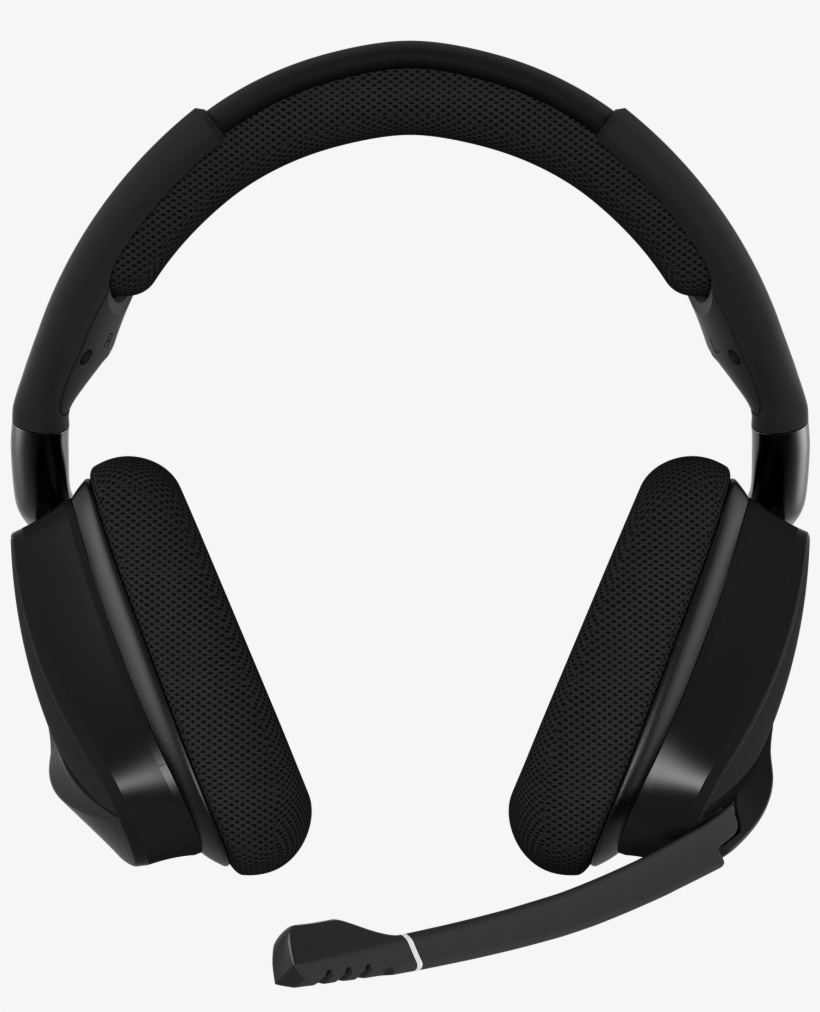
You will need headphones for this recording. IT really helps with the audio and makes it so there are not echos in the recording. The most common issue we have is hearing the host's questions and an echo in your recording track. This is very hard to clean up later so you really need headphones. I am assuming that you do not normally record podcasts or that you do not have an expensive podcast microphone laying around so it is ideal to have headphones with a microphone for the recording. Here are some headsets that work well. One small thing with ecastr is that you headphone volume is important it can sometime echo in your headphones if they are too loud.
The Gaming Headset works great!
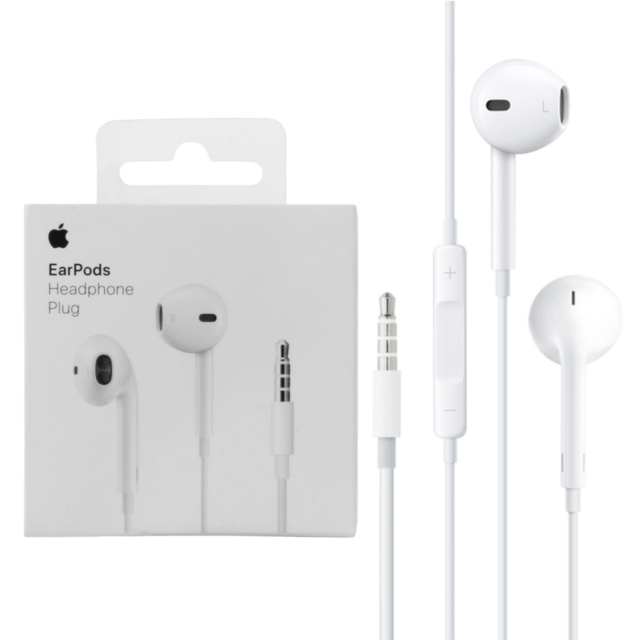
In-Ear Headphones with a mic will work but do not sound as good as the gaming head set. Older White Apple headsets sound pretty good and still have a headphone jack.
Other Tips
- Be in a quiet room for the recording free of background noises.
- Turn off your notifications on your computer
- Try not to use your internal mic on your PC it pics up a ton of background noise and sounds like you're in a tunnel.
- Relax and enjoy the conversation we are talking about beer it will be fun!
If you have any issue you can email me at podcast@homebrewingdiy.beer.
Note: If you are another podcaster just use your podcast audio setup with headphones.